

UI Animation Specification Generator
Generate production-ready animation specs and developer handoff docs from design intent
What You Can Do
You can convert loose animation ideas into detailed, implementation-ready specifications that developers can execute consistently. The skill generates timing documentation, state transition matrices, performance budgets, accessibility notes, and code-ready specs compatible with CSS, JavaScript, and native frameworks—eliminating vague design language and replacing it with exact technical requirements.
Features
Produces exact duration, delay, and easing curves with control points for every animation
Maps user interactions to animation sequences across multiple UI states
Recommends optimization strategies and frame rates for complex animations
Documents motion-sensitive user accommodations and prefers-reduced-motion alternatives
Outputs animations in CSS keyframes, JavaScript animation properties, or native framework syntax
Breaks complex animations into discrete keyframes with exact timing for each
Addresses interrupts, cancellations, and state conflicts in animation flows
Creates standardized animation language for design systems and junior designer reference
Example Output
Input: Motion concept for a button interaction with ripple effect and state change
Output:
Animation: Button Ripple Expansion
- Duration: 600ms
- Delay: 0ms
- Easing: cubic-bezier(0.4, 0, 0.2, 1) [Material Design emphasis]
- Keyframes:
- 0%: opacity 0.3, scale 0
- 100%: opacity 0, scale 4
- Performance: 60fps, GPU-accelerated transform
Animation: State Transition (idle → active)
- Duration: 300ms
- Sequence: background-color fade (0-150ms) → icon rotate (100-300ms)
- Easing: ease-out for color, linear for rotation
- Accessibility: Respects prefers-reduced-motion with instant state change
Implementation: CSS @keyframes with will-change optimization or requestAnimationFrame with cancellation handlers for interrupts
What's Included
- SKILL.md instruction file with animation specification methodology:
- Animation Specification Template: Standardized format for all animation documentation
- Easing Curve Reference Sheet: Common curves with control points and use cases
- State Transition Mapping Framework: Worksheet for multi-state interaction flows
- Accessibility Compliance Checklist: Motion-sensitive user accommodations and WCAG 2.1 requirements
- Performance Audit Worksheet: Frame rate calculation and GPU optimization guidelines
Who It's For
- Motion designers and UI animators — Document animations for developer handoff and reduce revision cycles
- UX/UI designers — Specify interactions with technical precision before development begins
- Design system managers — Establish standardized motion language and animation guidelines for teams
- Frontend developers — Receive unambiguous animation specs and implementation requirements
- Product managers — Understand animation complexity and technical feasibility early in planning
Best For
- Converting design intent into developer-ready animation specifications
- Documenting complex multi-state interaction flows and edge cases
- Creating animation guidelines and motion design systems
- Reviewing animation technical feasibility before committing to concepts
- Generating accessibility documentation for motion-sensitive users
- Establishing performance constraints and optimization strategies for animation-heavy features
You might also like

You can systematically analyze competing packaging demands—aesthetic appeal, material efficiency, manufacturing capability, cost targets, and product protection—to identify which constraints conflict and why. This skill helps you map how changes in one structural element (flap geometry, board thickness, fold radius) cascade through manufacturing feasibility, cost, and performance, enabling you to resolve contradictions early and communicate design tradeoffs clearly to manufacturers and stakeholders.
 by camalus

You can develop comprehensive brand naming strategies that move beyond brainstorming to professional-grade naming processes. The framework guides you through strategic positioning, generates names across multiple naming categories, conducts linguistic feasibility analysis, screens for competitive and trademark conflicts, and validates market perception—producing names that are ownable, memorable, and strategically aligned with your brand positioning.
by camalus
You can rapidly transform vague creative direction into concrete, actionable title sequence specifications that motion designers can implement immediately. This skill extracts motion requirements, establishes timing frameworks, defines typography hierarchies, and creates visual treatment specifications directly from briefs—reducing revision cycles and directional misalignment. You'll produce structured production documents that clarify constraints, success metrics, and technical requirements before any keyframes are set.
by camalus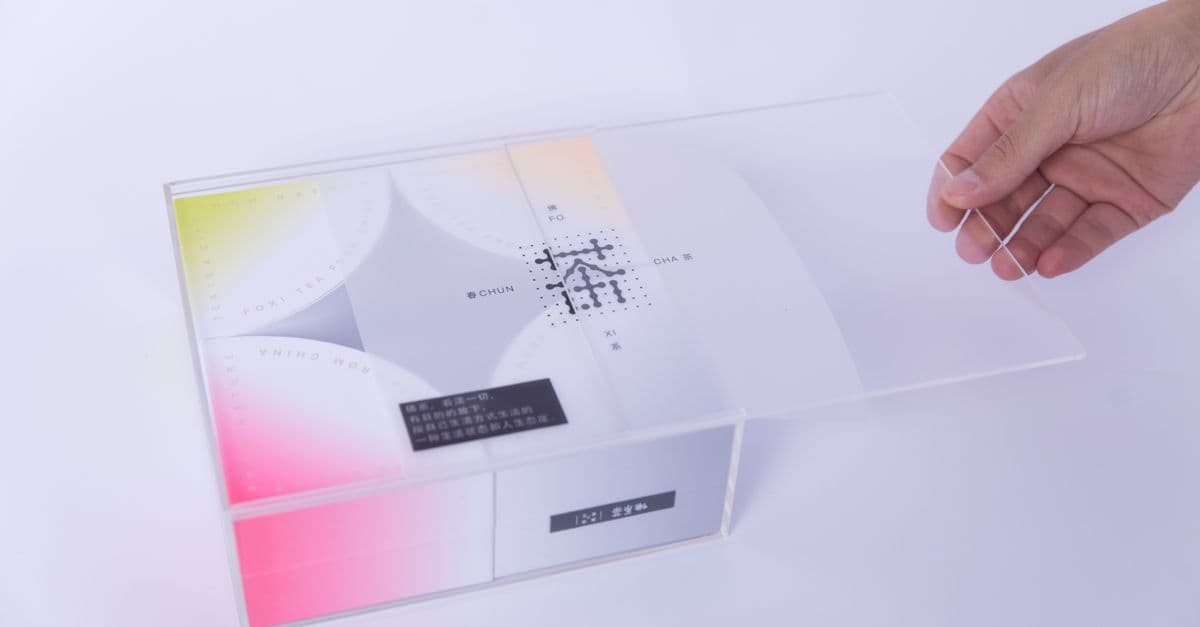
You'll transform scattered packaging requirements, stakeholder input, and technical constraints into a unified, actionable design brief. The skill synthesizes business objectives, regulatory compliance requirements, production capabilities, and competitive positioning into a single document that guides your creative process and eliminates ambiguity before design commences. It operates in two modes: building briefs from scratch and validating existing briefs for gaps and inconsistencies.
by camalus
You can take raw creative briefs and convert them into structured character design packages that include visual specifications, personality matrices, silhouette variants, design rationale, and consistency frameworks. Claude synthesizes your requirements into actionable specifications that establish character DNA, visual hierarchy, and distinguishing features—accelerating your concept phase and eliminating ambiguous revisions before you begin detailed rendering.
by camalus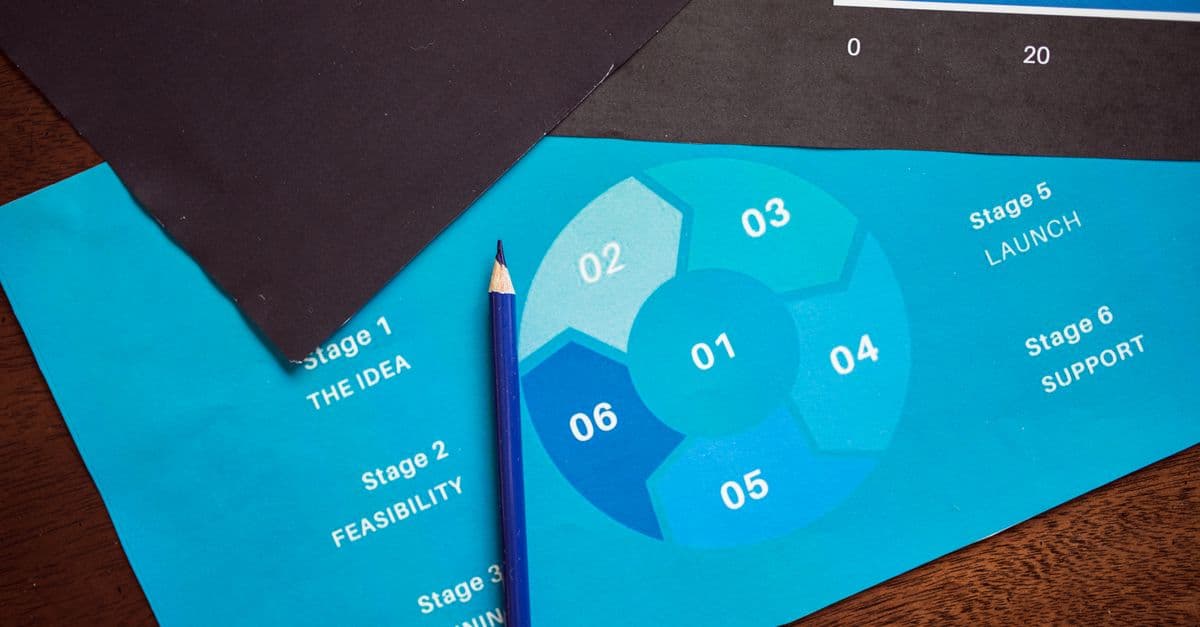
You'll generate professional, standardized specification documents that cover every technical requirement, material choice, finishing detail, and color specification your printer needs. These specs bridge the gap between your design intent and final production, reducing costly back-and-forth communication and ensuring color-critical output meets brand standards. Whether you're managing complex packaging jobs with multiple components or specialty finishes like embossing and die cuts, you'll create documentation that printers actually want to receive.
by camalus
You can create comprehensive wayfinding strategies that integrate typography, color coding, materiality, positioning, and interactive elements into systems tailored to your exhibition's architecture and narrative structure. This skill helps you develop visitor-centered spatial communication systems that guide audiences intuitively while managing flow, reinforcing curatorial intent, and ensuring accessibility compliance across permanent or temporary installations.
by camalus
You can build interactive UI components with purposeful motion—transitions, hover states, micro-interactions, and enter/exit animations—or audit existing motion design and receive detailed feedback. The skill operates in two focused modes: Create mode helps you implement motion that serves a clear purpose, while Audit mode evaluates your animations against industry-standard principles and reports specific findings with improvement recommendations.
 by kylezantos