

Create Video
Transform text prompts into complete marketing videos with AI scripting and avatars
What You Can Do
Turn any text idea into a finished video in minutes. Describe your concept, and Claude guides HeyGen's Video Agent to automatically write scripts, select avatars and voices, generate visuals, add professional voiceovers, synchronize pacing, and embed captions. Perfect for creating product demos, explainer videos, marketing content, or social media clips without hiring a production team.
Features
describe your concept and Claude transforms it into a complete video script and production
AI chooses appropriate characters and appearances based on your video's tone and purpose
generates natural-sounding narration with multiple voice options and languages
automatically adds synchronized captions for accessibility and social media engagement
AI creates engaging, on-brand scripts optimized for your target audience
automatically arranges visuals, pacing, and transitions for professional appearance
check generation progress and retrieve final video URLs from your account
list, organize, and delete videos from your HeyGen account dashboard
Example Output
Example 1: Product Demo Video
Prompt: "Create a 60-second demo video for a project management app showing how to create tasks, assign teammates, and track deadlines."
Output: A polished video featuring a professional avatar walking through the app interface, with clear step-by-step voiceover narration, on-screen captions highlighting key features, and smooth transitions between app screens.
Example 2: Explainer Video
Prompt: "Make a 90-second educational video explaining how photosynthesis works for high school students, using simple language and visual examples."
Output: An animated explainer with a friendly avatar narrator, colorful plant visuals, captions breaking down complex concepts, and pacing designed for student comprehension.
Example 3: Marketing Video
Prompt: "Create a 45-second social media video promoting our eco-friendly water bottles, emphasizing sustainability and design."
Output: A sleek marketing video with brand-appropriate avatar, product showcases, persuasive voiceover copy, captions with key selling points, and upbeat pacing suitable for TikTok or Instagram.
What's Included
- SKILL.md instruction file with HeyGen API authentication and tool selection guide:
- Prompt Optimizer markdown reference for structuring high-quality video prompts:
- Video Status Tracking workflow for monitoring generation progress and retrieving final URLs:
- Account Management templates for listing and organizing your HeyGen video library:
- Multi-language Voiceover reference guide for creating videos in different languages and accents:
Who It's For
- Marketing managers creating product launch videos and promotional content
- Product managers generating demo videos and feature showcases for stakeholders
- Educators producing explainer videos and instructional content without production skills
- Startup founders quickly prototyping pitch videos and investor presentations
- Content creators scaling video production for social media without expensive equipment or crew
Best For
- Product demo and feature walkthrough videos
- Explainer and educational content
- Marketing and promotional videos
- Social media clips and short-form content
- Pitch deck and investor presentation videos
- Customer testimonial and case study videos
- Training and onboarding videos
You might also like
This skill generates comprehensive audio design documentation that bridges creative vision and technical execution. You'll produce detailed mixing specifications with priority hierarchies, platform-specific audio budgets, middleware configurations for Wwise/FMOD, and implementation workflows tailored to your target engines (Unity, Unreal, custom). It accelerates pre-production planning, clarifies audio requirements for programmers, and reduces iteration cycles during integration.
 by dliangthinks
You can generate production-ready audio documentation that bridges creative sound design and technical implementation. This skill produces asset inventories with precise technical specifications, engine-specific integration instructions for Unreal, Unity, Godot and proprietary engines, platform-aware optimization strategies for mobile/console/PC, and audio middleware configuration guides that development teams can directly implement without iteration cycles.
by dliangthinks
You can build full video production workflows that generate promotional videos, product demos, social media content, and animated explainers from scratch. The skill provides a complete project scaffold with pre-built component libraries, text-to-speech integration, theme systems, and hot-reload development—allowing you to iterate quickly and output broadcast-quality motion graphics without manual keyframing.
by dliangthinks
You can transform raw video footage into structured, professional content by leveraging AI to identify key moments, organize clips, transcribe audio, and augment with voiceovers, overlays, and subtitles. This skill guides you through a proven pipeline that emphasizes compression and smart structuring rather than AI generation—turning hours of footage into minutes of compelling content optimized for any platform.
by dliangthinks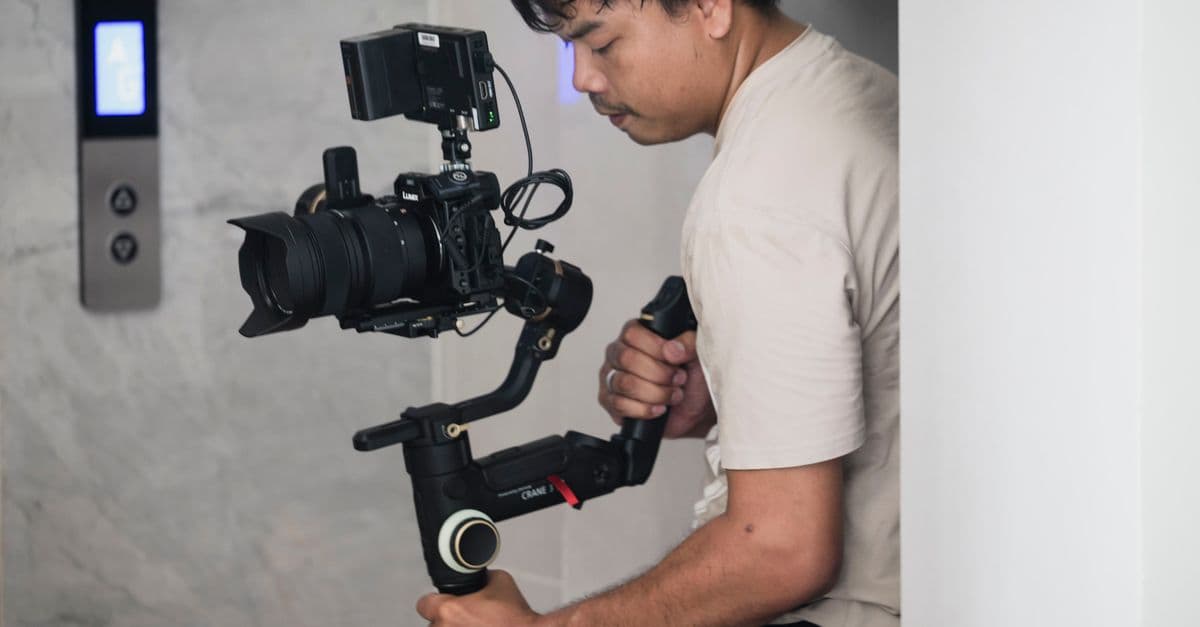
Build detailed, shoot-ready plans that anticipate technical challenges and capture decisive moments under pressure. You'll generate venue-specific shot lists tailored to unique logistics, develop contingency workflows for unpredictable conditions (weather, lighting, timing delays), and coordinate multi-team coverage with clear positioning and equipment redundancy strategies. This skill transforms vague event briefs into actionable pre-production blueprints that keep you organized and confident on-set.
by dliangthinks
You can rapidly decode broadcast technical specifications (BT.709, HDR standards, platform-specific requirements), generate LUT strategy documentation that maintains consistency across 6-13 hour episodes, and create color decision logs for QC compliance. The skill helps you troubleshoot consistency issues between episodes, analyze failed QC reports, and plan primary correction workflows that meet all delivery specifications before grading begins.
by dliangthinks
Upload your asset specifications, render bottlenecks, or performance metrics, and receive a comprehensive optimization roadmap. Claude analyzes polygon topology, texture memory footprint, shader complexity, and LOD strategies specific to your target engine—whether game engines, live VFX systems, or AR/VR pipelines. You'll get concrete recommendations for polycount reduction, UV layout optimization, texture atlasing, and bake-versus-real-time lighting decisions, complete with documentation for handing off to animation and rigging teams.
by dliangthinks
This skill helps you architect complete color strategies before grading sessions begin. You'll generate detailed shot-by-shot grading maps that synchronize visual mood to dynamic audio, develop LUT strategies for specific music genres with documented creative reasoning, establish technical parameter ranges per scene or musical section, and create mood board documentation that aligns stakeholder expectations early. By treating color as a primary creative element rather than post-production cleanup, you reduce revision cycles and deliver grades that amplify both narrative and musical intent.
by dliangthinks